
 Tentang merek· Ink Tank All-in-One Printer
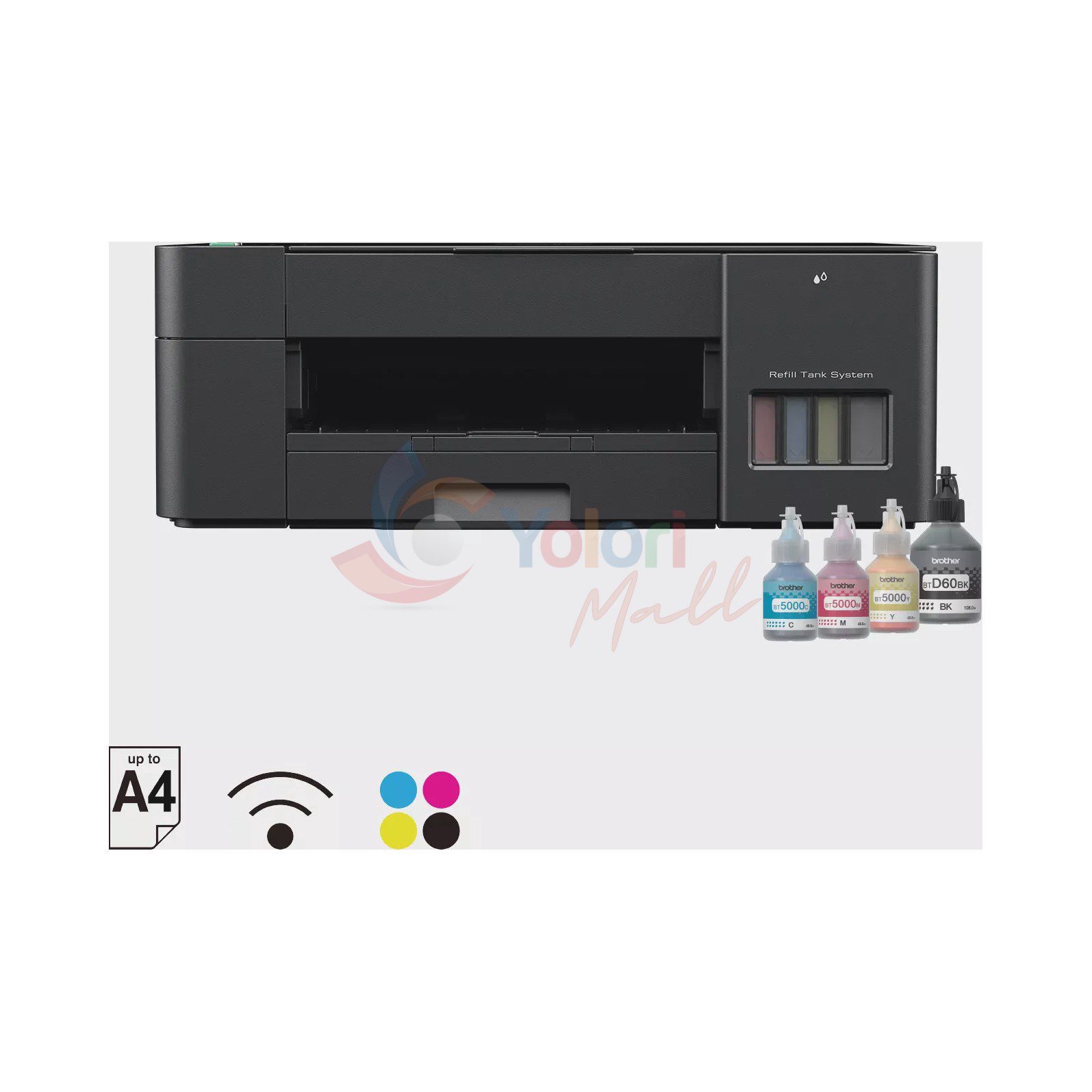
Brother Ink Tank DCP-T420W All-in-One Printer - Print, Scan, Copy, Wi-Fi
Brother Ink Tank All-in-One Printer DCP-T420W adalah printer multifungsi yang bisa digunakan untuk mencetak, menyalin, dan memindai. Perangkat ini mengandalkan teknologi Inkjet Printer dengan resolusi mencapai 1200 × 6000 dpi, serta dilengkapi koneksi Hi-Speed USB 2.0 dan Wi-Fi 802.11b/g/n.

Dijual oleh
Yolori Mall
Brother Ink Tank All-in-One Printer DCP-T420W merupakan sebuah Multifunction Printer yang dilengkapi Wireless LAN IEEE 802.11b/g/n (Infrastructure Mode) serta IEEE 802.11g/n (Wi-Fi Direct). Fungsi yang tersedia meliputi Print, Scan, dan Copy dengan teknologi cetak berupa Inkjet Printer. Perangkat ini memiliki fitur penyalinan meliputi Copy - Multiple Copies: Up to 99 pages dan Copy - Enlarge/Reduce: 25% to 400% in increments of 1% (RemoteCopy). Selain itu, perangkat ini juga sudah mendukung utilitas pengaturan nirkabel Wireless Setup Support Utility WPS. Kecepatan cetaknya mencapai 16 (Mono) / 9 (Col) ipm dengan FPOT 6.5 (Mono) / 10 (Col) seconds. Resolusi cetaknya mencakup Windows: Up to 1,200 x 6,000 dpi dan Mac: Up to 1,200 x 3,600 dpi. Perangkat ini turut dibekali fitur cetak tanpa tepi Borderless untuk ukuran A4, Letter, Executive, A5, A6, Photo 4"x6", Indexcard 5"x8", Photo 5"x7", serta Photo-3.5"x5". Kapasitas baki kertasnya mencakup Maximum Paper Capacity: Up to 150 sheets of 80 gsm plain paper, Tray - Maximum Paper Capacity: Up to 150 sheets of 80 gsm plain paper, Manual Feed Slot - Maximum Paper Capacity: 1 sheet, serta Paper Output: Up to 50 sheets (80 gsm, plain paper). Ukuran kertas yang didukung meliputi A4, Letter, Legal, Mexican Legal, India Legal, Folio, Executive, B5, A5, B6, A6, C5 Envelope, Com-10, DL Envelope, Monarch, Photo(10x15cm/4x6"), Photo-L(9x13cm/3.5x5"), Photo-2L(13x18cm/5x7"), dan Index card(13x20cm/5x8"), di mana ukuran Legal, Mexico Legal, India Legal, Folio, B5 dan B6 hanya didukung di beberapa negara tertentu saja. Lebar dan panjang pemindaian dari kaca pemindai masing-masing adalah Scan - Document Scanning Width / Length - Scanner Glass: Up to 213.9 mm/Up to 295 mm. Tipe media yang didukung pada Tray mencakup Plain, Inkjet, Glossy(cast/resin), Recycled, sedangkan pada Manual Feed Slot mencakup Plain, Inkjet, Glossy(cast/resin), Recycled. Resolusi pemindaiannya terdiri dari Resolution - Interpolated: Up to 19200x19200 dpi with Scanner Utility (For Window 7/8/10 only) dan Resolution - Scanner Glass: Up to 1,200 dpi x 2,400 dpi. Sementara itu, resolusi penyalinannya memiliki ketentuan Print: Max. 1200x1800 dpi dan Scan: Max. 1200x600 dpi. Konektivitas fisik dan nirkabelnya meliputi Hi-Speed USB 2.0, Wireless LAN IEEE 802.11b/g/n (Infrastructure Mode), serta IEEE 802.11g/n (Wi-Fi Direct). Bagian layar menggunakan indikator LED dengan kapasitas memori RAM sebesar 64MB. Sistem keamanannya didukung oleh SSID (32 characters), WEP 64/128bit, WPA-PSK(TKIP/AES), serta WPA2-PSK(TKIP/AES). Kompatibilitas perangkat ini mencakup sistem operasi Windows® 7 SP1/8.1/10 Server 2008/2008 R2/2012/2012 R2/2016/2019 serta macOS v10.13.6/10.14.x/10.15.x. Aktivitas mencetak dan memindai melalui Mac mengharuskan pengguna mengunduh aplikasi Brother iPrint&Scan dari App Store, di mana aplikasi tersebut pada macOS hanya mendukung format PDF/JPG/BMP dan PNG saja karena penggerak printer Mac tidak disediakan. Dimensi fisik printer ini adalah 435 mm × 359 mm × 159 mm dengan berat 6.4 kg. Kebutuhan tegangannya menggunakan AC 220 - 240V 50/60Hz, dengan rincian konsumsi daya Power Consumption (Ready): Approx. 2.5W, Power Consumption (Sleep): Approx. 0.7W, serta Power Consumption Power Off: Approx. 0.2W. Tingkat kebisingan operasionalnya berada di kisaran Approx 53.5dB (A). Brother Indonesia menyediakan garansi resmi selama 36 bulan untuk produk ini dengan ketentuan pelengkap yaitu 3 Years or 30,000 Pages.
Garansi
- Warranty Months
- 36
- Warranty Type
- • Brother Indonesia Official Warranty • 3 Years or 30,000 Pages
Jaminan
- Stock Status
- Tersedia
Spesifikasi Teknis
- Display
- LED
- Memory / RAM
- 64MB
- I/O Port
- • Hi-Speed USB 2.0 • Wireless LAN IEEE 802.11b/g/n (Infrastructure Mode) • IEEE 802.11g/n (Wi-Fi Direct)
- Security
- SSID (32 characters), WEP 64/128bit, WPA-PSK(TKIP/AES), WPA2-PSK(TKIP/AES)
- Media Type
- Tray - Paper Type:Plain, Inkjet, Glossy(cast/resin), Recycled Manual Feed Slot - Paper Type:Plain, Inkjet, Glossy(cast/resin), Recycled
- Print Technology
- Inkjet Printer
- Print Speed
- • 16 (Mono) / 9 (Col) ipm • FPOT: 6.5 (Mono) / 10 (Col) seconds
- Print Resolution
- • Windows: Up to 1,200 x 6,000 dpi • Mac: Up to 1,200 x 3,600 dpi
- Paper Size
- Paper Size: • A4, Letter, Legal, Mexican Legal, India Legal, Folio, Executive, B5, A5, B6, A6, C5 Envelope, Com-10, DL Envelope, Monarch, Photo(10x15cm/4x6"), Photo-L(9x13cm/3.5x5"), Photo-2L(13x18cm/5x7"), Index card(13x20cm/5x8") • (Legal, Mexico Legal, India Legal, Folio, B5 and B6 size paper are supported only in some countries.) Scan - Document Scanning Width / Length - Scanner Glass:Up to 213.9 mm/Up to 295 mm
- Tray Capacity
- Maximum Paper Capacity:Up to 150 sheets of 80 gsm plain paper Tray - Maximum Paper Capacity:Up to 150 sheets of 80 gsm plain paper Manual Feed Slot - Maximum Paper Capacity:1 sheet Paper Output:Up to 50 sheets (80 gsm, plain paper)
- Functions
- Print, Scan, Copy
- Copy Resolution
- Print: Max. 1200x1800 dpi, Scan: Max. 1200x600 dpi
- Scan Resolution
- Resolution - Interpolated:Up to 19200x19200 dpi with Scanner Utility (For Window 7/8/10 only) Resolution - Scanner Glass:Up to 1,200 dpi x 2,400 dpi
- Compatibility
- • Windows® 7 SP1/8.1/10 Server 2008/2008 R2/2012/2012 R2/2016/2019 • macOS v10.13.6/10.14.x/10.15.x • (Printing and scanning via Mac requires downloading Brother iPrint&Scan from the App Store. Brother iPrint&Scan application on macOS supports PDF/JPG/BMP and PNG formats only. Mac printer driver is not provided.)
- WiFi Standard
- • Wireless LAN IEEE 802.11b/g/n (Infrastructure Mode) • IEEE 802.11g/n (Wi-Fi Direct)
- Voltage
- AC 220 - 240V 50/60Hz
- Noise Level
- Approx 53.5dB (A)
- Power Consumption
- Power Consumption (Ready):Approx. 2.5W Power Consumption (Sleep):Approx. 0.7W Power Consumption Power Off:Approx. 0.2W
- Features
- Borderless:A4, Letter, Executive, A5, A6, Photo 4"x6", Indexcard 5"x8", Photo 5"x7", Photo-3.5"x5" Copy - Multiple Copies:Up to 99 pages Copy - Enlarge/Reduce:25% to 400% in increments of 1% (RemoteCopy) Wireless Setup Support Utility WPS:Yes
- Dimensions
- 435 mm × 359 mm × 159 mm
- Weight
- 6.4 kg
Bandingkan dengan produk sejenis
Pilihan lain pada kategori yang sama dengan harga berdekatan.
| Sedang dilihatBrotherBrother Ink Tank DCP-T420W All-in-One Printer - Print, Scan, Copy, Wi-Fi |  Sedang dilihatHP Inc.HP Smart Tank 500 Ink Tank All-in-One - Print, Scan, Copy |  Sedang dilihatHP Inc.HP Smart Tank 583 Ink Tank All-in-One - Print, Scan, Copy, Wi-Fi | 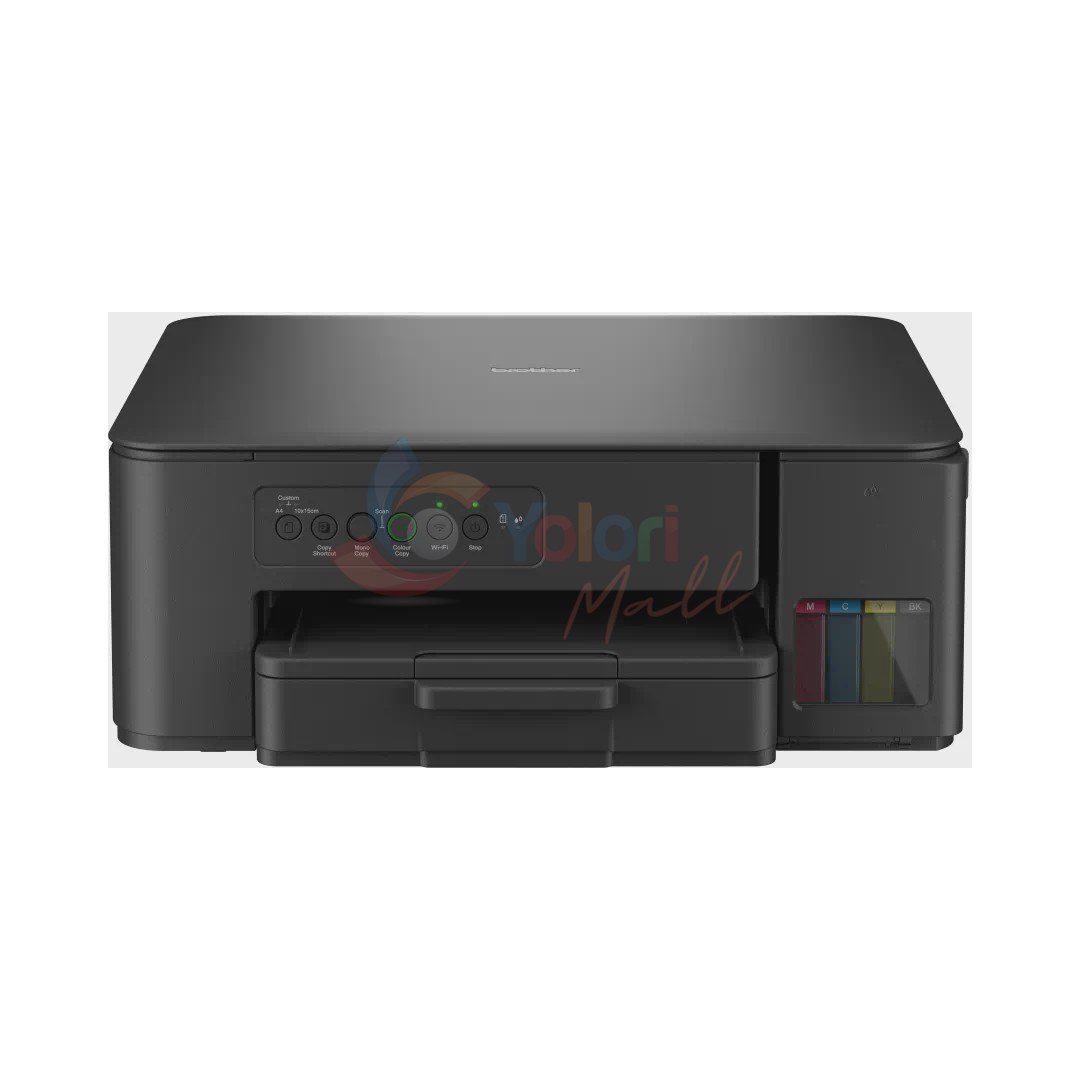 Sedang dilihatBrotherBrother Ink Tank DCP-T430W All-in-One Printer - Print, Scan, Copy, Wi-Fi | |
|---|---|---|---|---|
| Harga | Rp 2.059.000 | Rp 2.069.000 | Rp 2.079.000 | Rp 2.129.000 |
| Garansi | ||||
| Warranty Months | 36 | 12 | 12 | 12 |
| Warranty Type |
| HP Indonesia Official Warranty | HP Indonesia Official Warranty | Brother Indonesia Official Warranty |
| Jaminan | ||||
| Stock Status | Tersedia | Tersedia | Tersedia | Tersedia |
| Spesifikasi Teknis | ||||
| Display | LED | 7 segment + 2-inch icon display | Power On/Off, Cancel, Resume, Color Copy, Black copy, ID copy, WI-FI and Info button | LED |
| Processor | — | 800 MHz | — | — |
| Memory / RAM | 64MB |
| 64 MB Integrated DDR1 | 128 MB |
| Connectivity | — | — | Yes (via WiFi) | — |
| I/O Port |
| Hi-Speed USB 2.0 |
|
|
| Security | SSID (32 characters), WEP 64/128bit, WPA-PSK(TKIP/AES), WPA2-PSK(TKIP/AES) | — | — |
|
| Media Type |
|
|
|
|
| Print Technology | Inkjet Printer | HP Thermal Inkjet | HP Thermal Inkjet | Inkjet Printer |
| Print Speed |
|
|
| Up to 16.0 (Mono) / Up to 9.0 (Colour) ipm |
| Print Resolution |
|
|
| Up to 1200 x 6000 dpi (Windows only) |
| Paper Size |
|
|
|
|
| Tray Capacity |
|
|
|
|
| Monthly Duty Cycle | — |
|
| — |
| Functions | Print, Scan, Copy | Print, copy, scan | Print, copy, scan | Print, Scan, Copy |
| Duplex Printing | — | Manual (driver support provided) | Manual (driver support provided) | — |
| Copy Speed | — |
| — | — |
| Copy Resolution | Print: Max. 1200x1800 dpi, Scan: Max. 1200x600 dpi |
| — | Print: Up to 1200 x 1800 dpi |
| Scanner Type | — | Flatbed | — | — |
| Scan Resolution |
|
|
|
|
| Mobile Printing | — | USB Only | HP Smart app; Apple AirPrint; Mopria Print Service; HP Print Service Plugin (Android printing); Wi-Fi Direct Printing | — |
| Cartridge Type | — |
|
| — |
| Compatibility |
|
|
| Windows 10, Windows 11, Windows Sever 2016, Windows Server 2019, Windows Server 2022 |
| WiFi Standard |
| — | built-in Wi-Fi 2.4G, Wi-Fi Direct |
|
| Voltage | AC 220 - 240V 50/60Hz | — | — | 100 - 120 V AC 50/60 Hz (For Taiwan), 220 - 240 V AC 50/60 Hz (Except for Taiwan) |
| Certification | — | IEC 60950-1 & IEC 62368-1 compliant; Safety UL listed; EU LVD and EN 60950 & EN 62368 compliant; UL GS approved; Singapore Safety; Russia EAC; China CCC; Taiwan BSMI | — | — |
| Noise Level | Approx 53.5dB (A) | — | — | 55.0 dB(A) |
| Power Consumption |
| — | 0.109 watts (manual-Off), 3.023 watts (ready), 1.096 watt (sleep) |
|
| Features |
|
|
|
|
| Dimensions | 435 mm × 359 mm × 159 mm | 447 x 373 x 158 mm | 434.66 x 361.53 x 157.26 mm | 390 mm × 343 mm × 148.5 mm |
| Weight | 6.4 kg | 5.14kg | 5.03 kg | 6.3 kg |
| In The Box | — |
|
| — |
Produk sejenis
Pilihan dari merek lain di kategori yang sama.
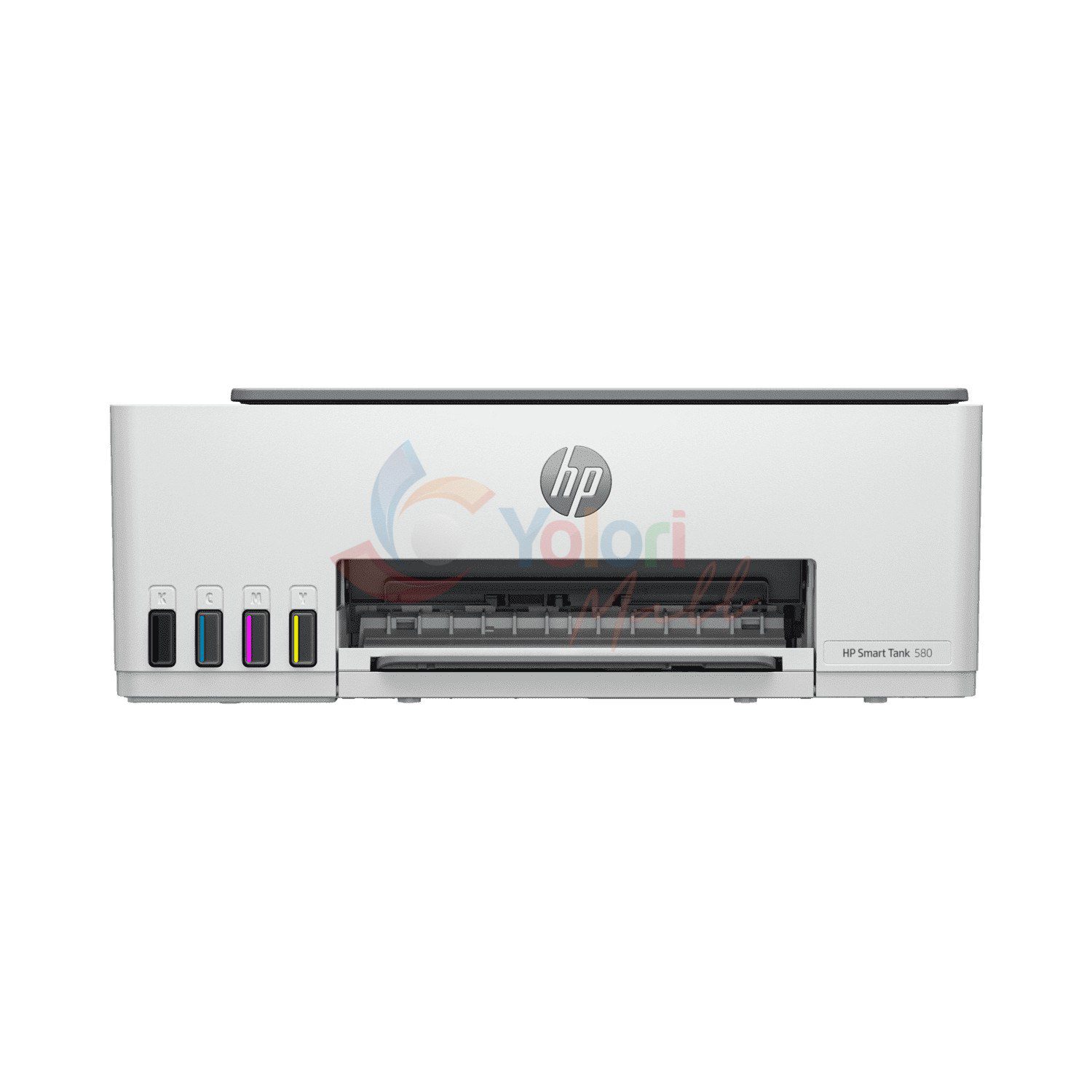
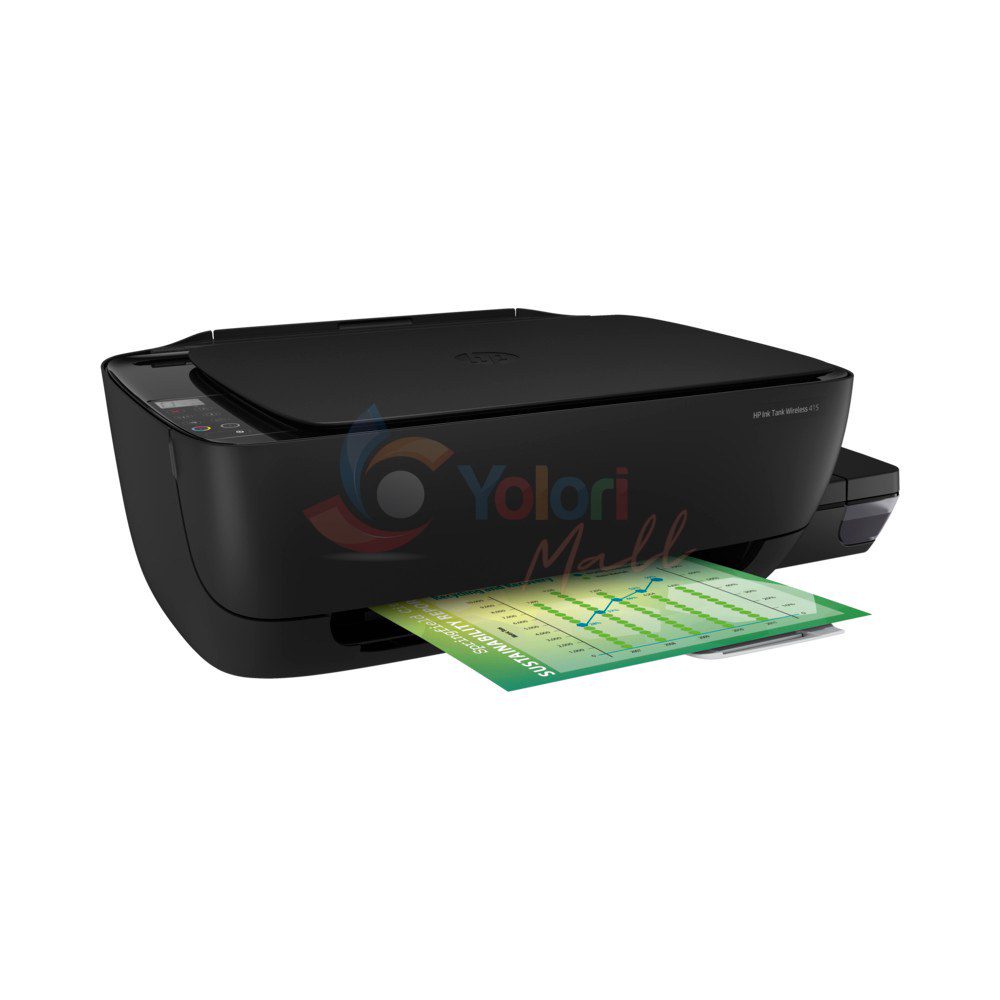
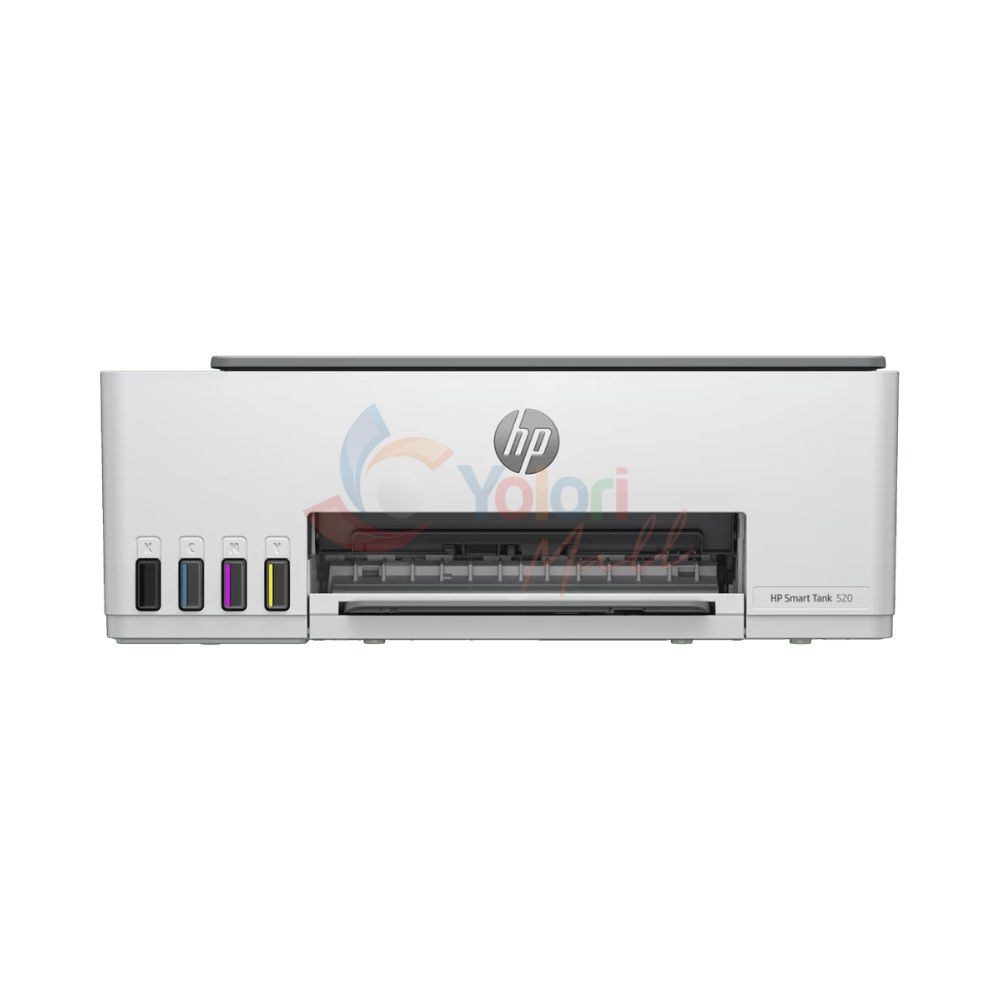
Produk Rekomendasi
Pelengkap yang cocok dengan produk ini.
Ulasan Pembeli
Memuat ulasan...